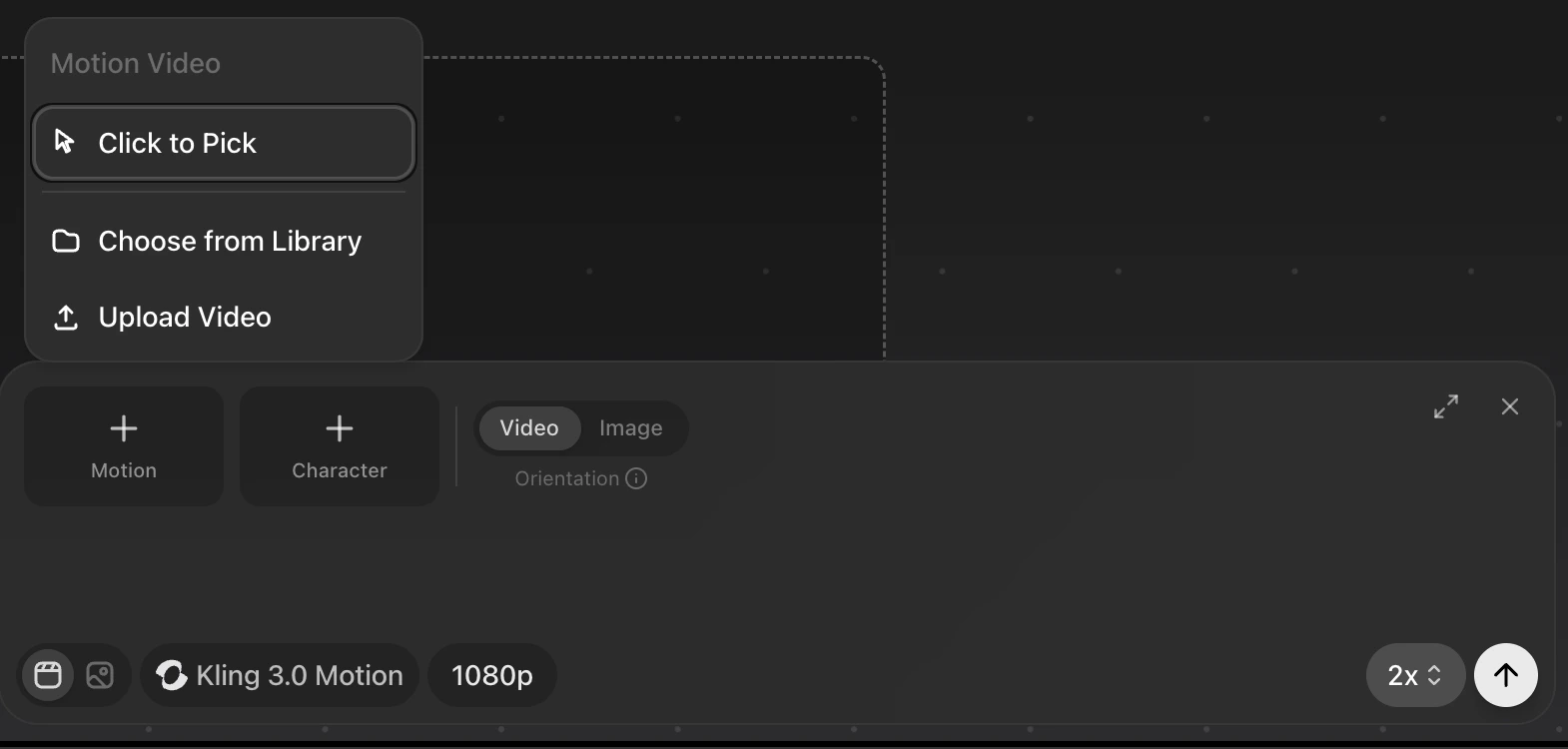
Kling 3 Motion lets you transfer motion from a reference video onto a character image. It is designed for controlling body movement, facial expression, and character consistency from a source performance.
Kling Motion Control 1
  • For Motion - Select a video from canvas, from saved assets or upload from your computer.
    • Preview will allow you to only choose video assets for the motion reference.
  • For Character - Select an image from canvas, from saved assets or upload from your computer.
    • Preview will allow you to only choose image assets for the Character reference.
Use the Video/Image toggle to select the primary orientation. Video: Best for complex motion. Locks character pose and framing to the reference video (max 30s). Image: Best for custom cinematography. Keeps the pose and position of character in image, uses camera motion from video (max 10s).