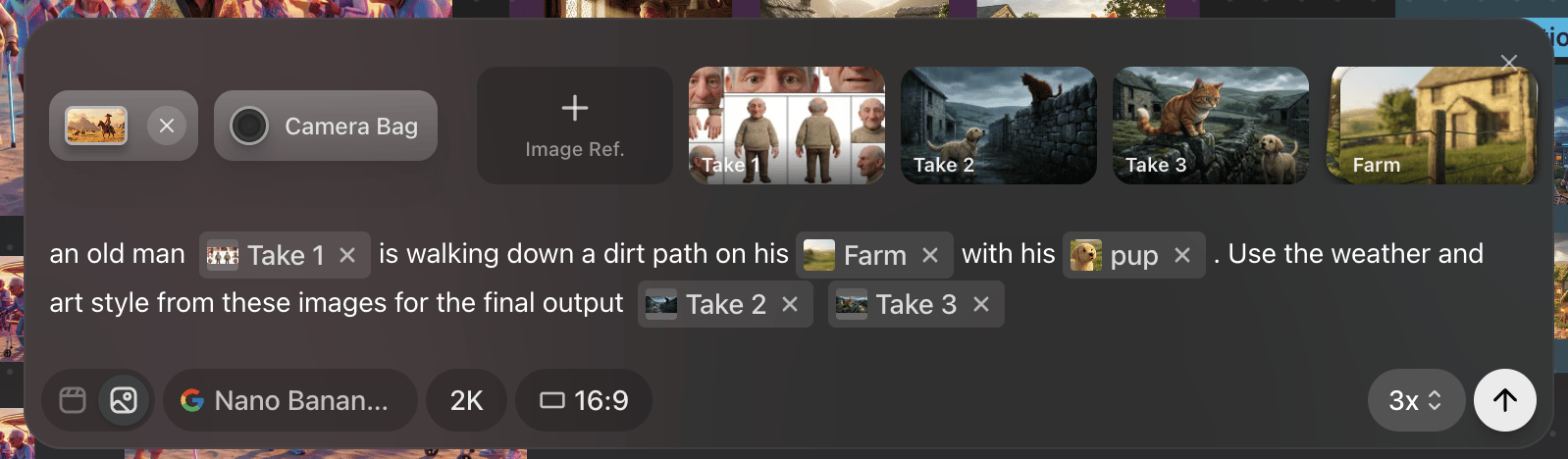
How References work in Preview
Reference images in Image mode show up as pills within the prompt box. Images referenced from canvas and scenes that have not been saved will show as “Take#” while images that are saved to Characters, Locations, Props and Assets will show their name. This allows you to type @ the name and easily reference saved assets.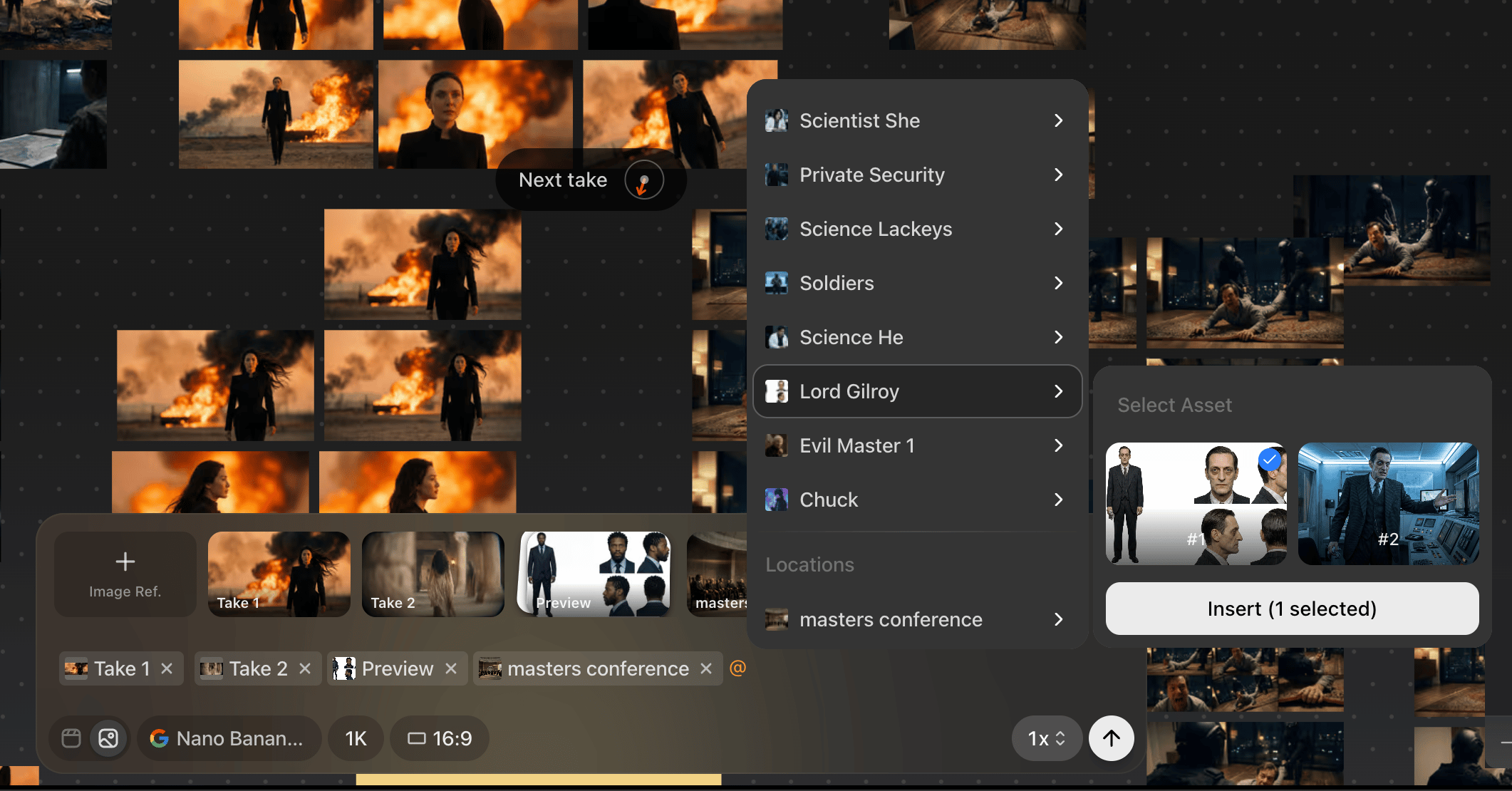
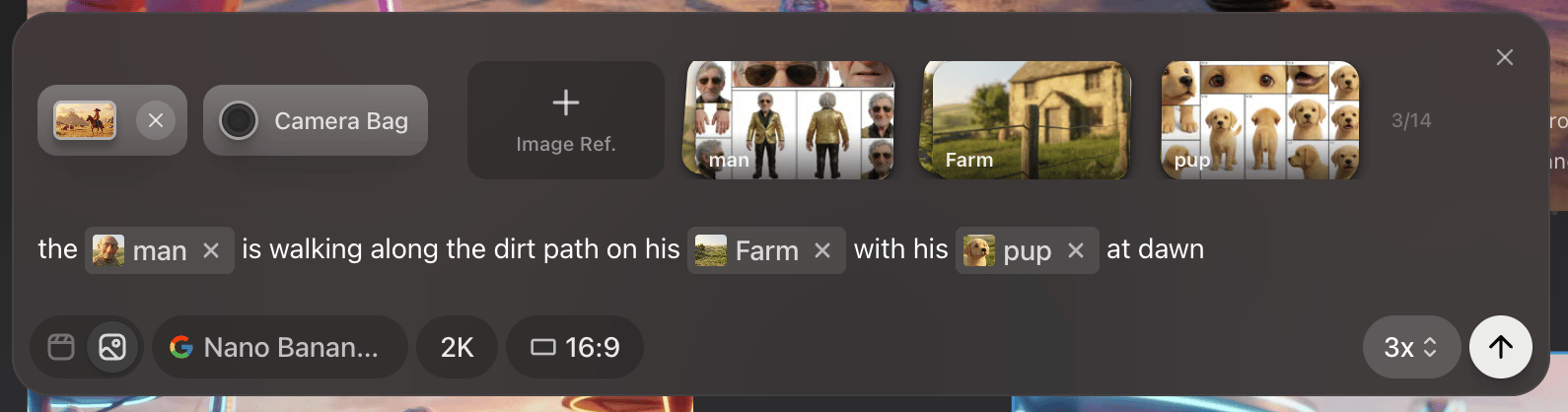
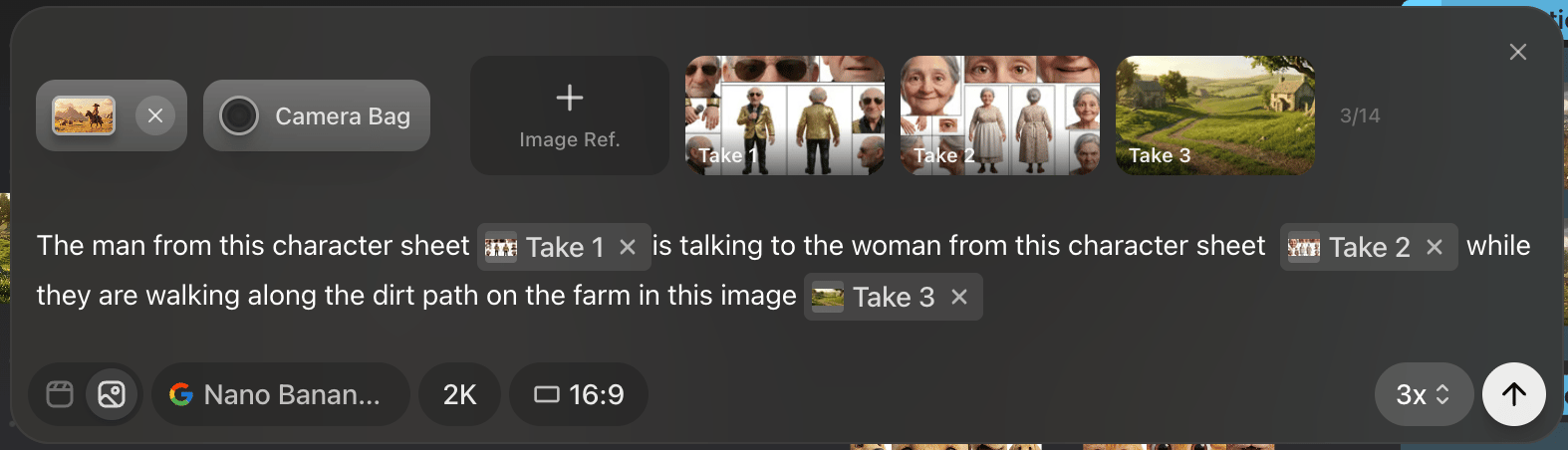
Location references
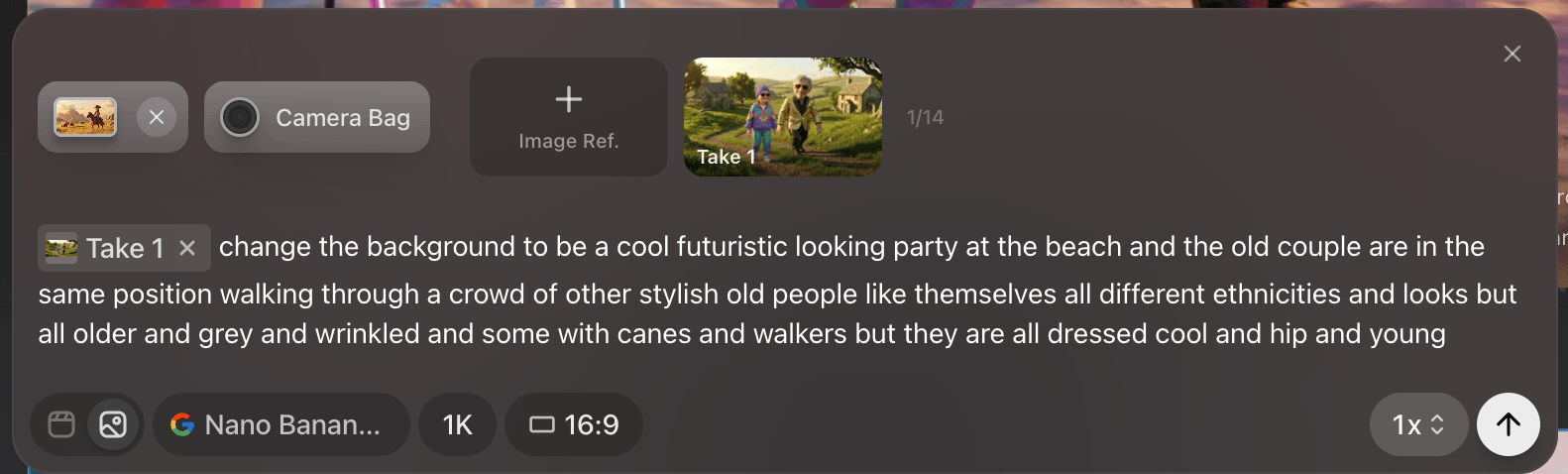
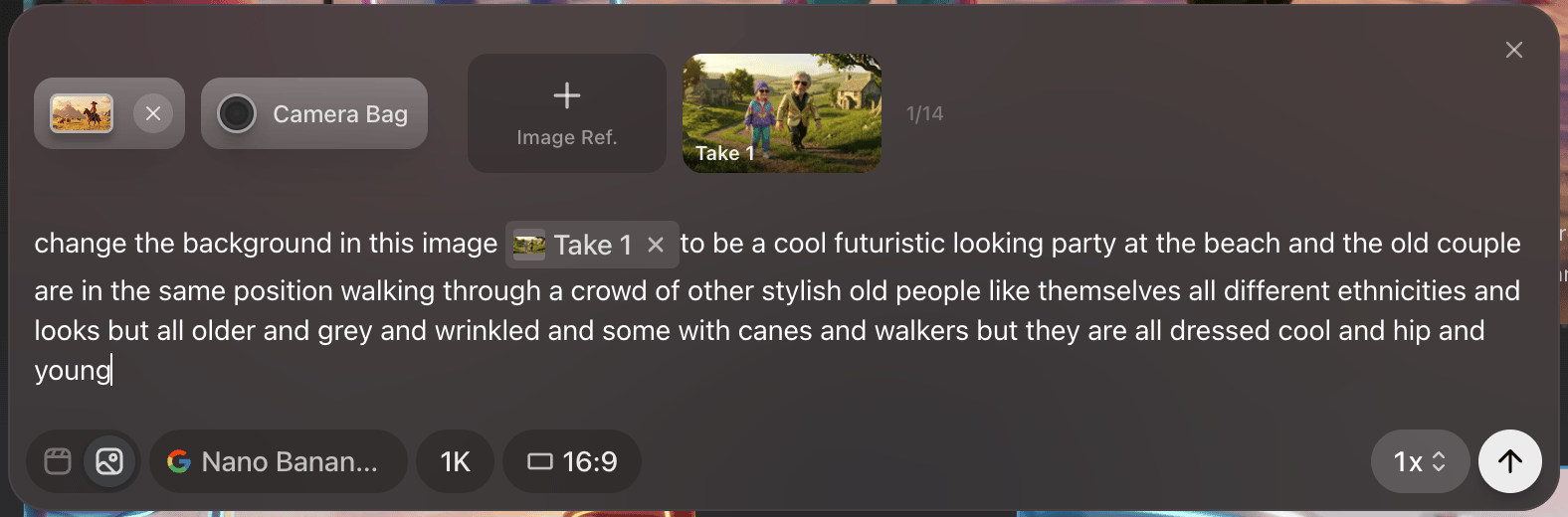
Location references are interpreted quite literally so if you want the background to be a unique angle in your saved location, it is best to generate an image of that angle and use the new angle image as your specific reference.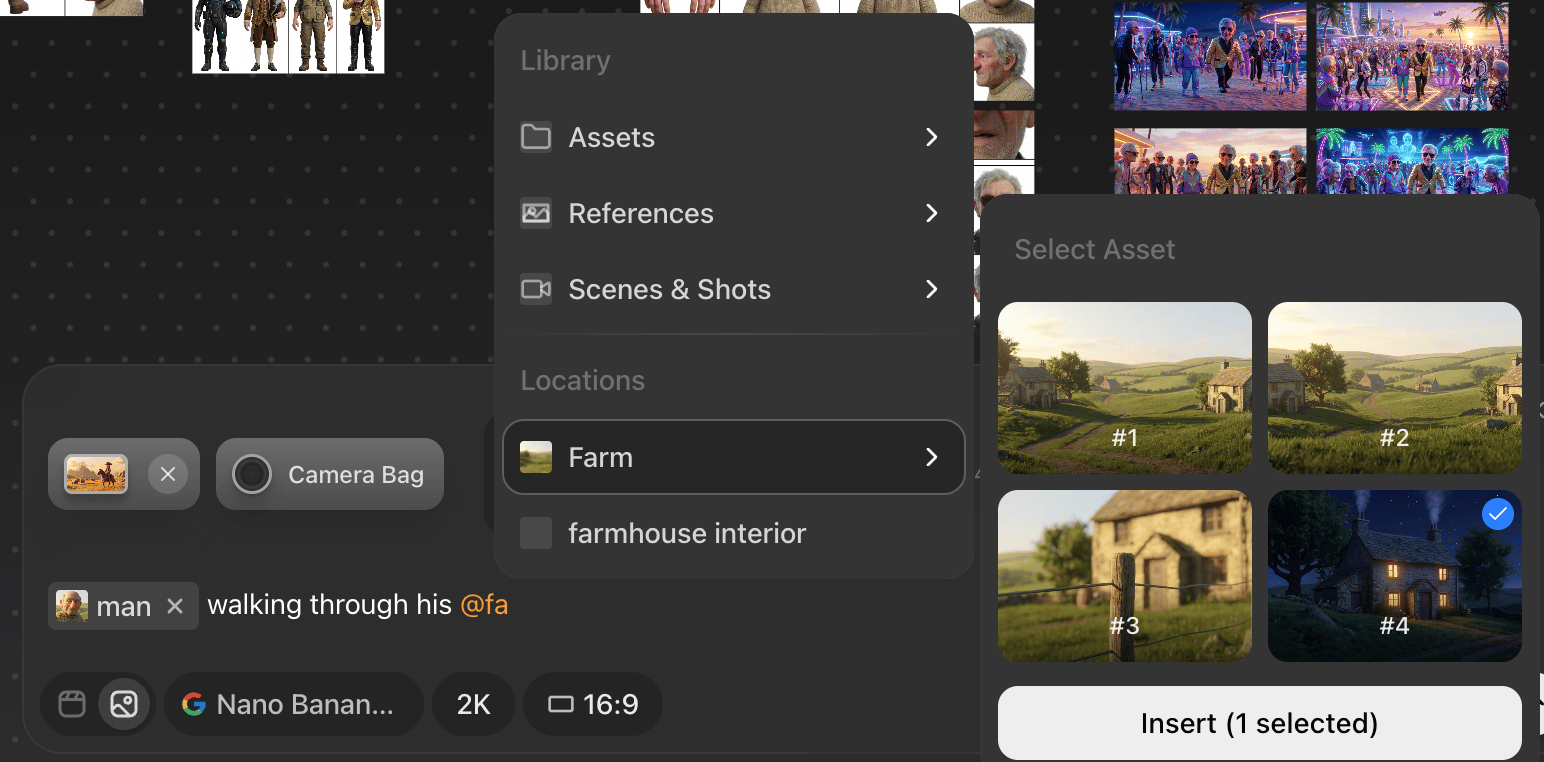
Thing to Avoid
DO NOT mention specific characters in text and then add images of characters at the end of the prompt, this will confuse the model and you will produce inconsistent results.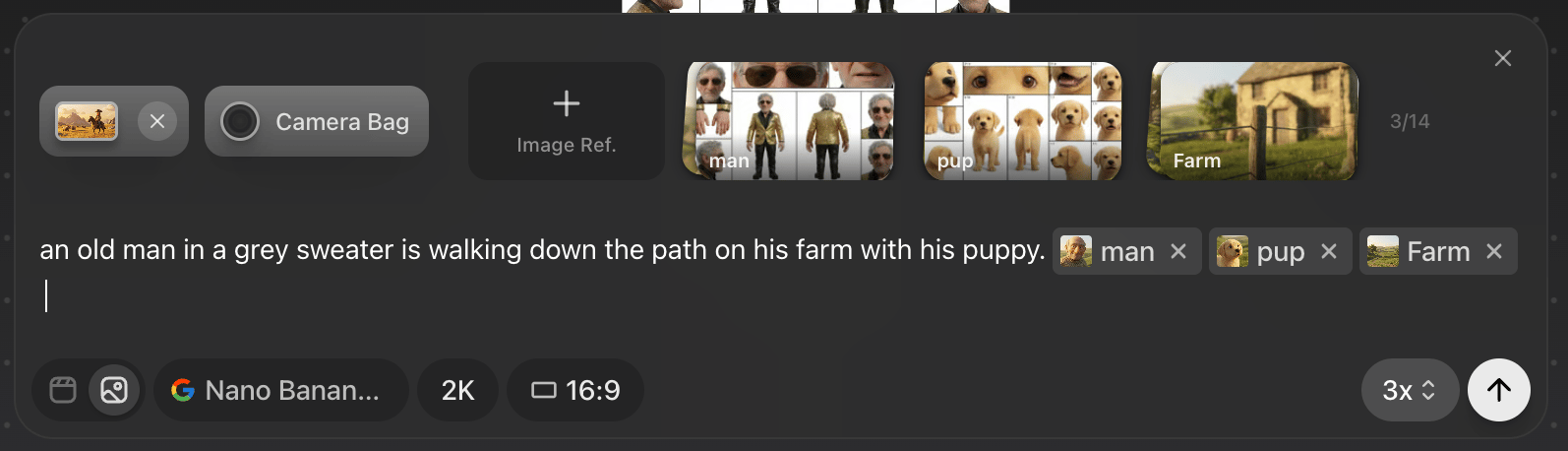
Adding style references into a prompt
If you want to add extra images at the end of a prompt its best to provide text context as to how those images should be used or what they are referencing