

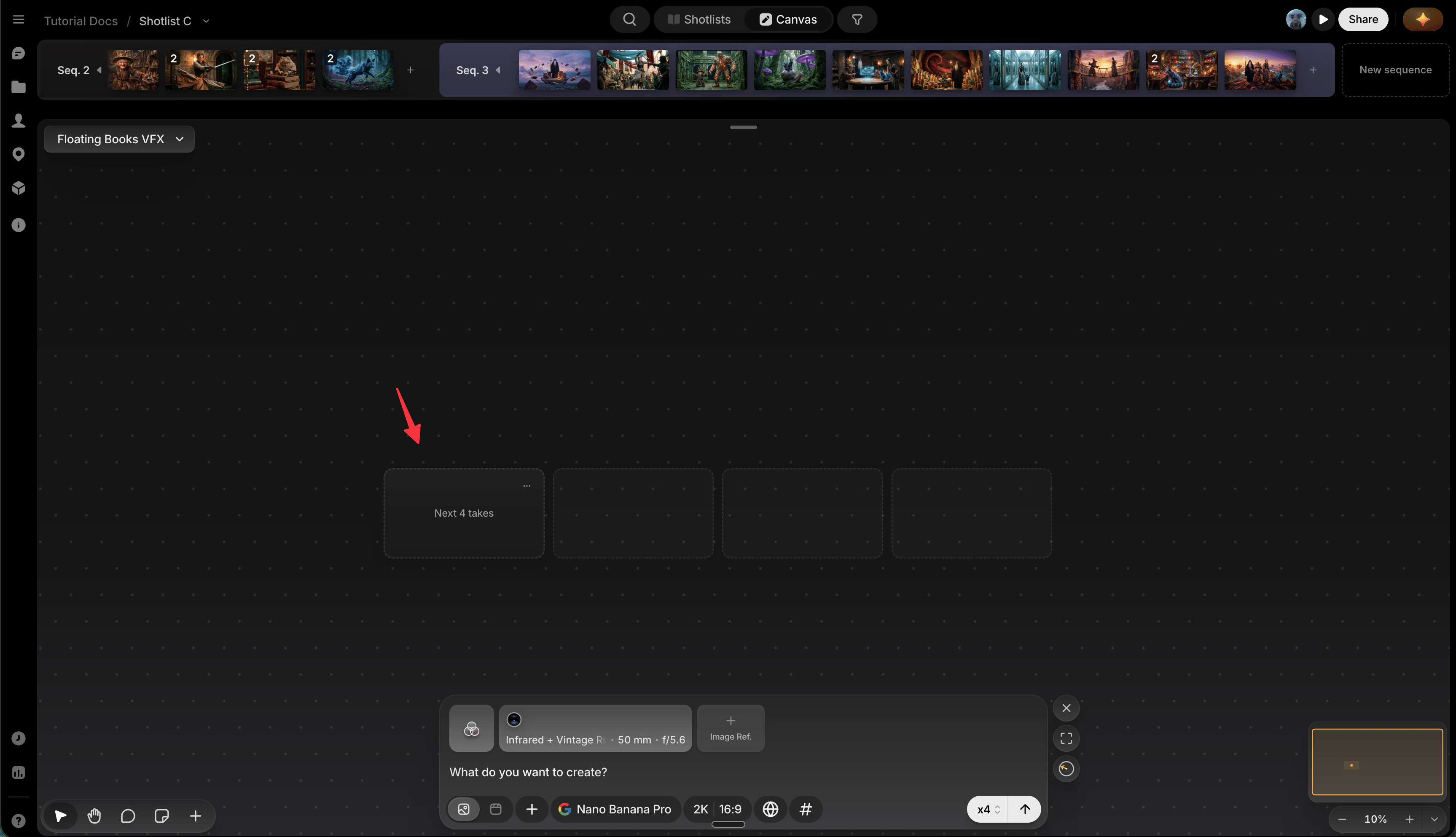
Move it
- Drag it anywhere on canvas. Its position is remembered per canvas, so it stays put until you move it again.
- Right-click the canvas and choose Place next take here for the same result without dragging.
The box only settles somewhere with room for a full row at your current Grid columns width. If where you drop it can’t fit that many takes side by side, it snaps to the nearest spot below that can. Both the box and the actual generated batch land there. While you’re still dragging, a fainter outline shows you that real landing spot before you let go.
Find it when it’s off-screen
A small compass icon points toward the box whenever it’s off-screen: click it to jump straight there.
Preferences
Click the box’s ⋯ button to open Preferences:- Camera follow: automatically centers your view on new generations as they land.
- Grid columns: how many columns a multi-take batch tiles into at the target (1–8), before wrapping to a new row.