

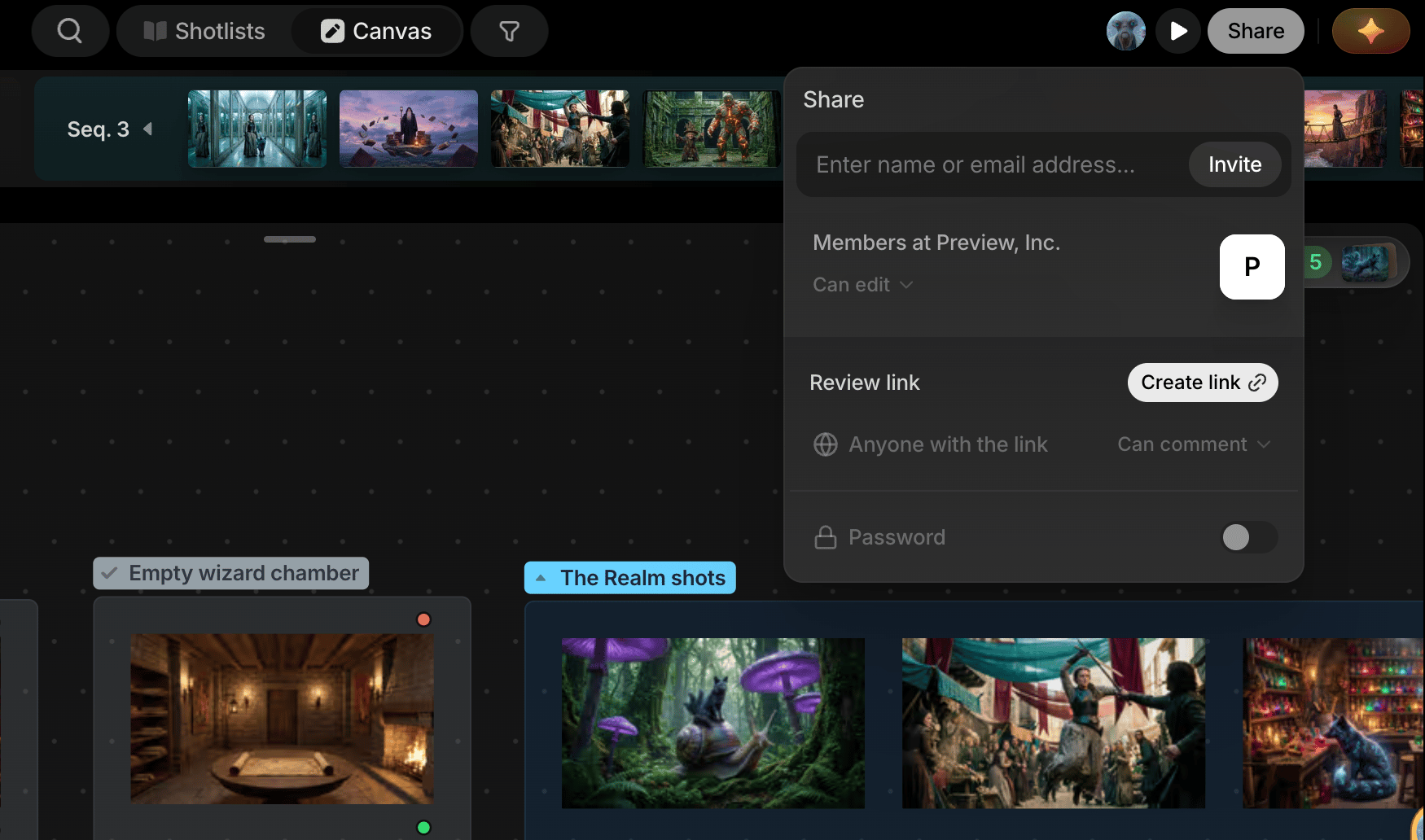
Collaborator invites
Add someone to the project by email. They’ll need a Preview account, and they join with edit access; once they’ve joined, change their role to Can comment or Can view from the dropdown next to their name. This is for people doing actual work in the project with you.Review link
A review link is for everyone else: clients, stakeholders, or anyone outside your team who just needs to see the work and weigh in. There’s nothing for them to set up. No account, no login, no editing access to worry about.1
Open Share
In the Share popover, scroll to the Review link section below your collaborator list.
2
Create the link
Click Create link. It turns into Copy link once the link is live.
3
Password-protect it (optional)
Toggle Password and set one if the project is sensitive.
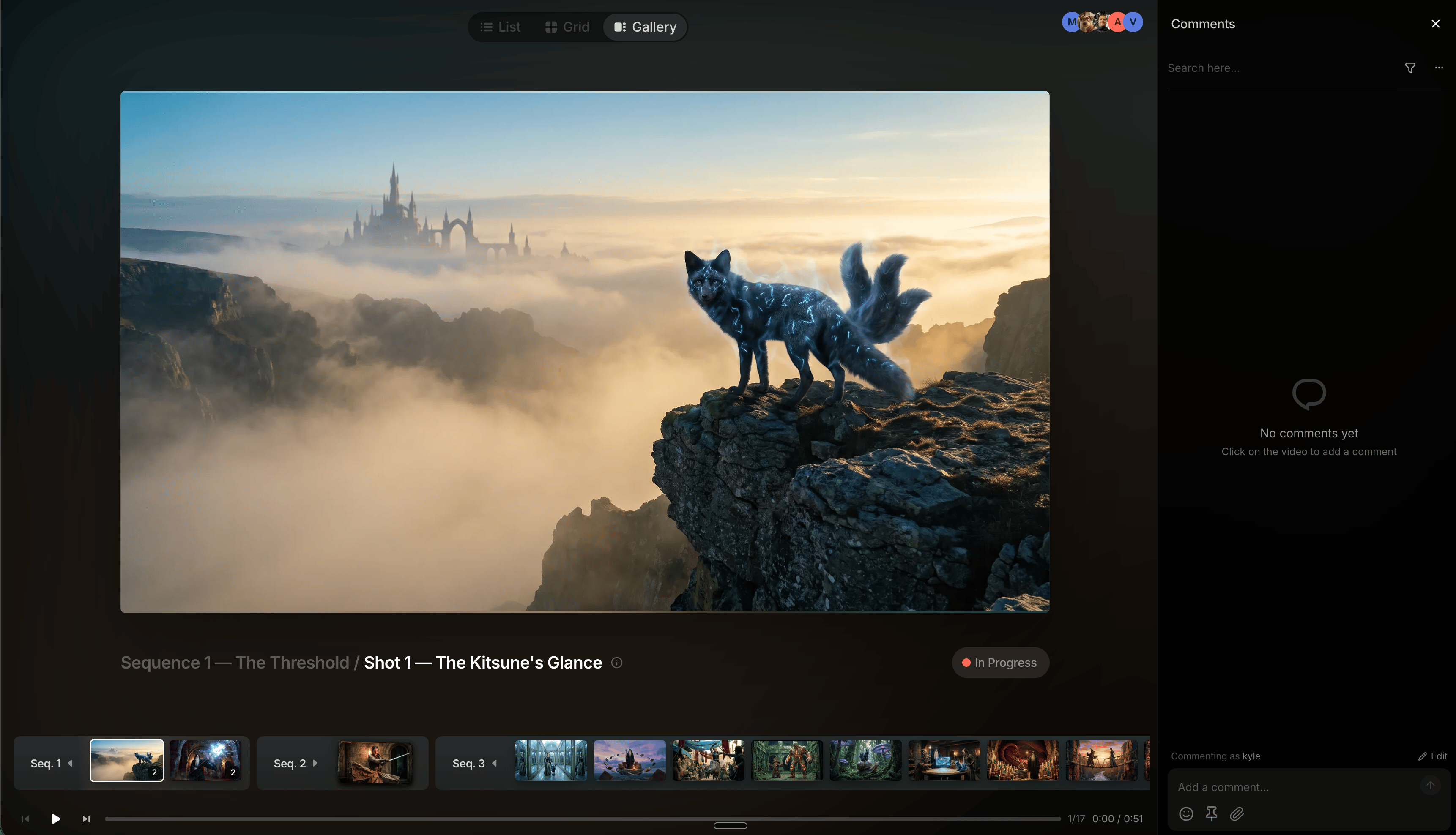
- Browse the project in List, Grid, or Gallery view
- Inspect files
- Leave comments on shots and sequences
Use collaborator invites for people doing real work in the project. Use a review link for people who just need to look and comment.