Check the cost before you generate
Every generation shows its price up front:- Prompt box: hover the generate button for the credit cost of your current setup. It updates live as you change model, resolution, duration, or output count.
- Model picker: every model in the list shows a credit chip with its typical cost or range, so you can compare before choosing.
- Preview Agent: in Ask mode (the default), every generation pauses in chat with its credit cost shown before it runs.
- Upscaling: each provider’s panel shows the cost on its generate button, updating as you adjust settings.
Buy credits
1
Open the credits window
Hover the Analytics button in the sidebar’s lower-left to see remaining credits and a Purchase Credits button.
2
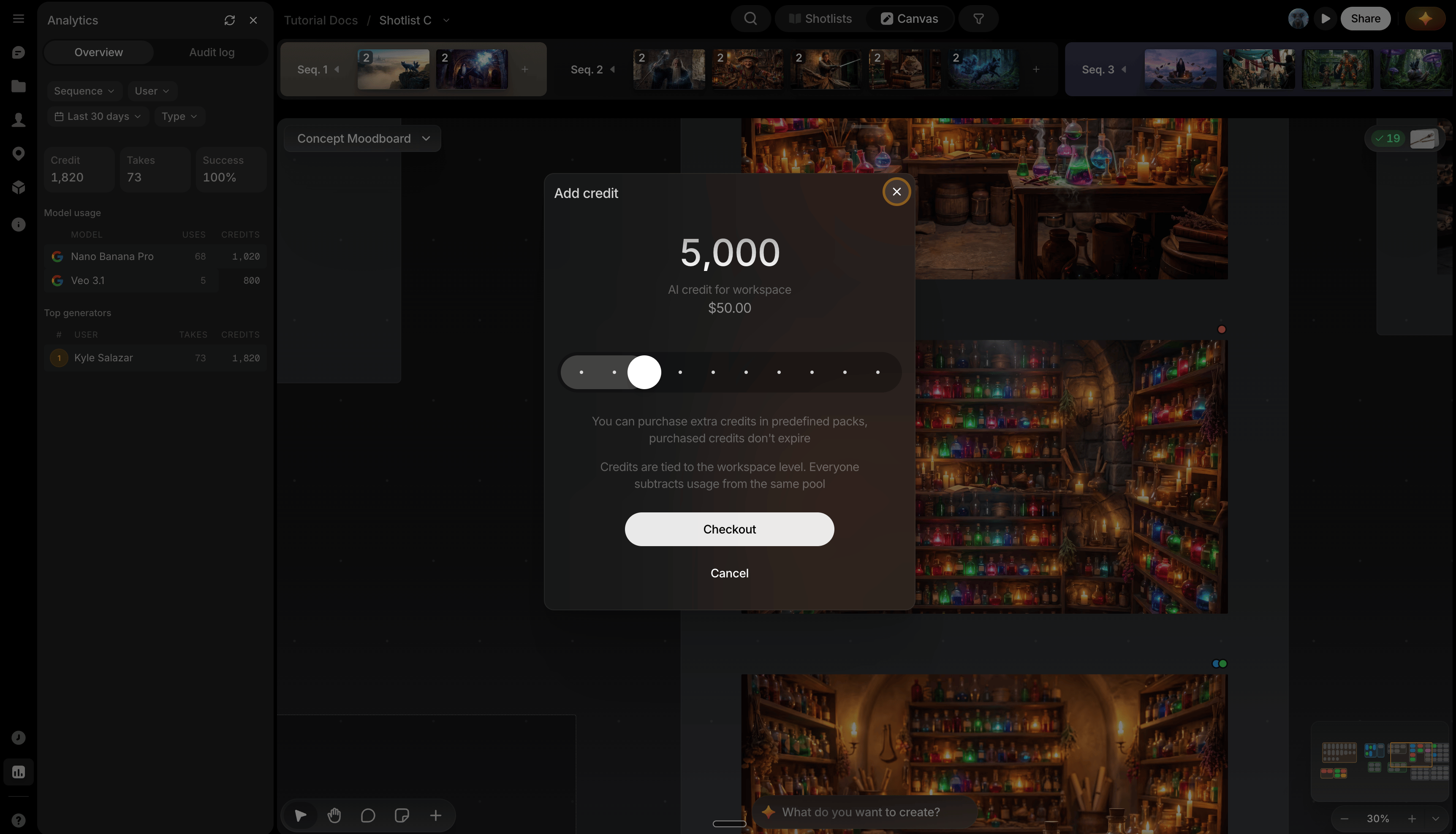
Open the Add credit window
Click Purchase Credits.
3
Check out
Click Checkout to reach a Stripe payment window with a choice of payment methods.