

How to access the Moodboard
Each Story has its own Moodboard, you can open the Moodboard by clicking on the Moodboard button in the top left of the scene timeline at the top of the canvas. You can also open the Moodboard sidebar to see the history of all assets created in that Moodboard. If you delete an image from the Moodboard it still exists in the Moodboard history and Story history.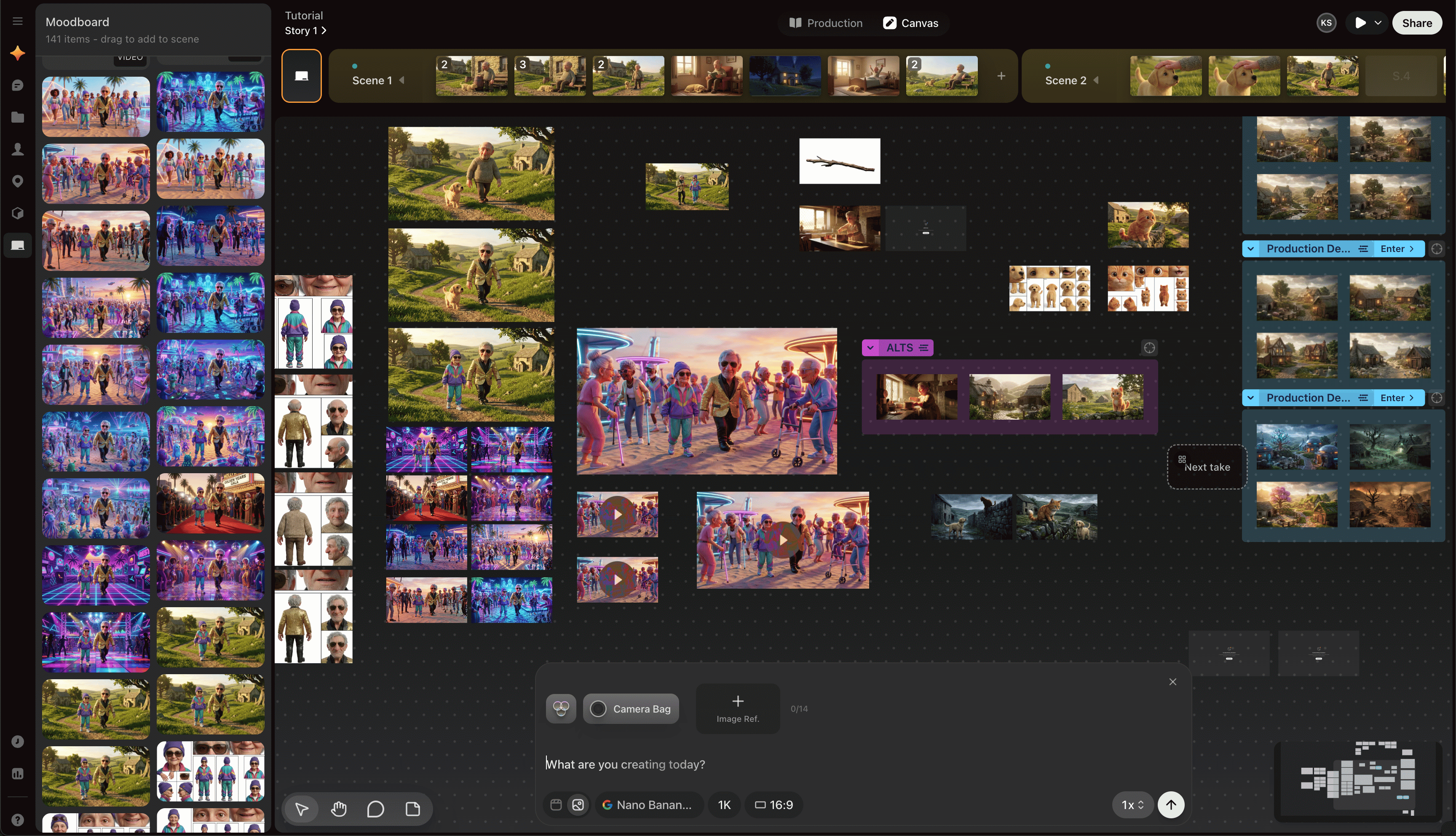
How the Moodboard differs from scene canvases
Moodboard assets:- Cannot be assigned to shots while they stay in the Moodboard
- Can be copied or pasted into scene canvases
- Can be dragged from the Moodboard sidebar into scenes
- Still appear in project history for later reuse
Use the Moodboard to build reusable ingredients
The Moodboard works especially well when you are:- Designing characters before they appear in scenes
- Exploring environments before saving a location
- Building props and visual ideas without cluttering active scenes
The Moodboard is for exploration. Once an asset becomes important to the production workflow, move it into a scene canvas or save it into the library.